 Baselines
 All documentation pages
Classic view & tours
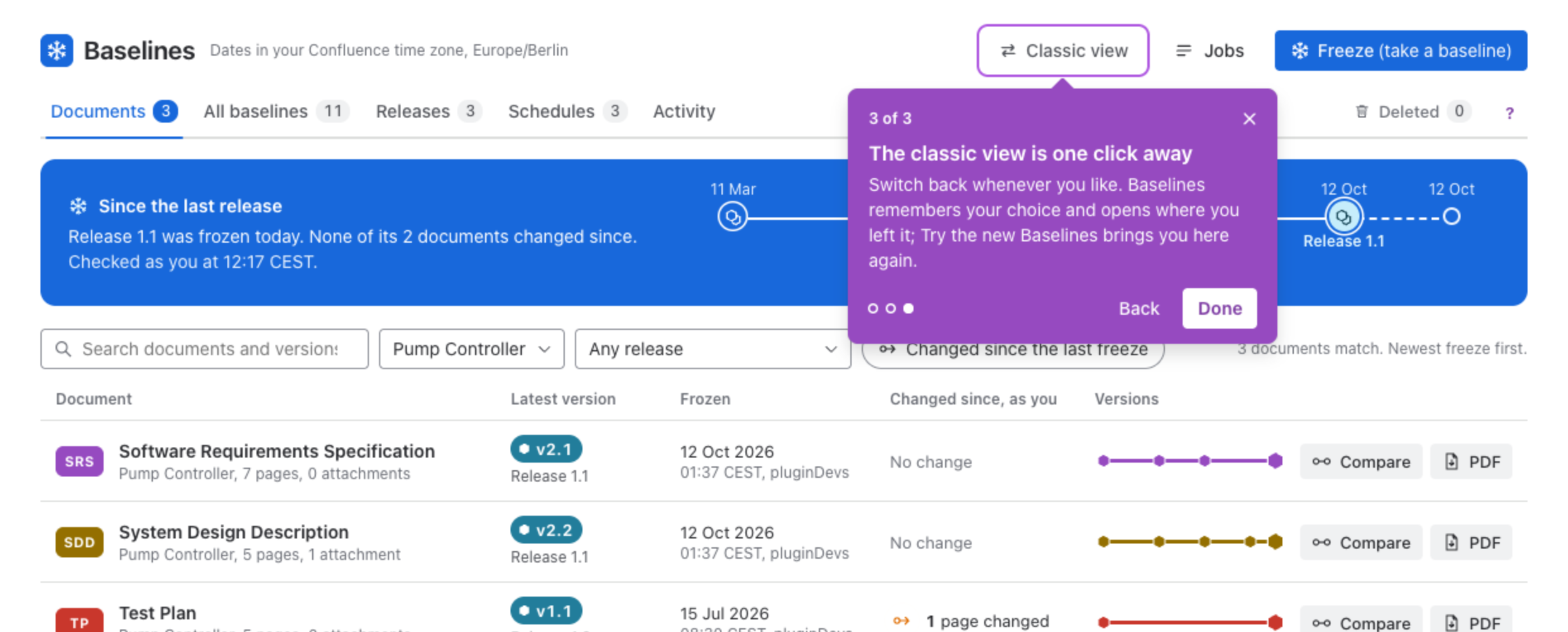
Baselines opens in the new view, which groups baselines into documents. The classic list of baselines stays one click away, and each screen of the new view has a short tour behind its ?.
The classic view
Classic view in the bar opens the classic list: one row per baseline with Schedules, Compare and + Create Baseline. Both views show the same baselines and schedules; nothing is copied or converted when you switch. Baselines remembers your choice and opens where you left it next time. Try the new Baselines, above the classic list, brings you back.
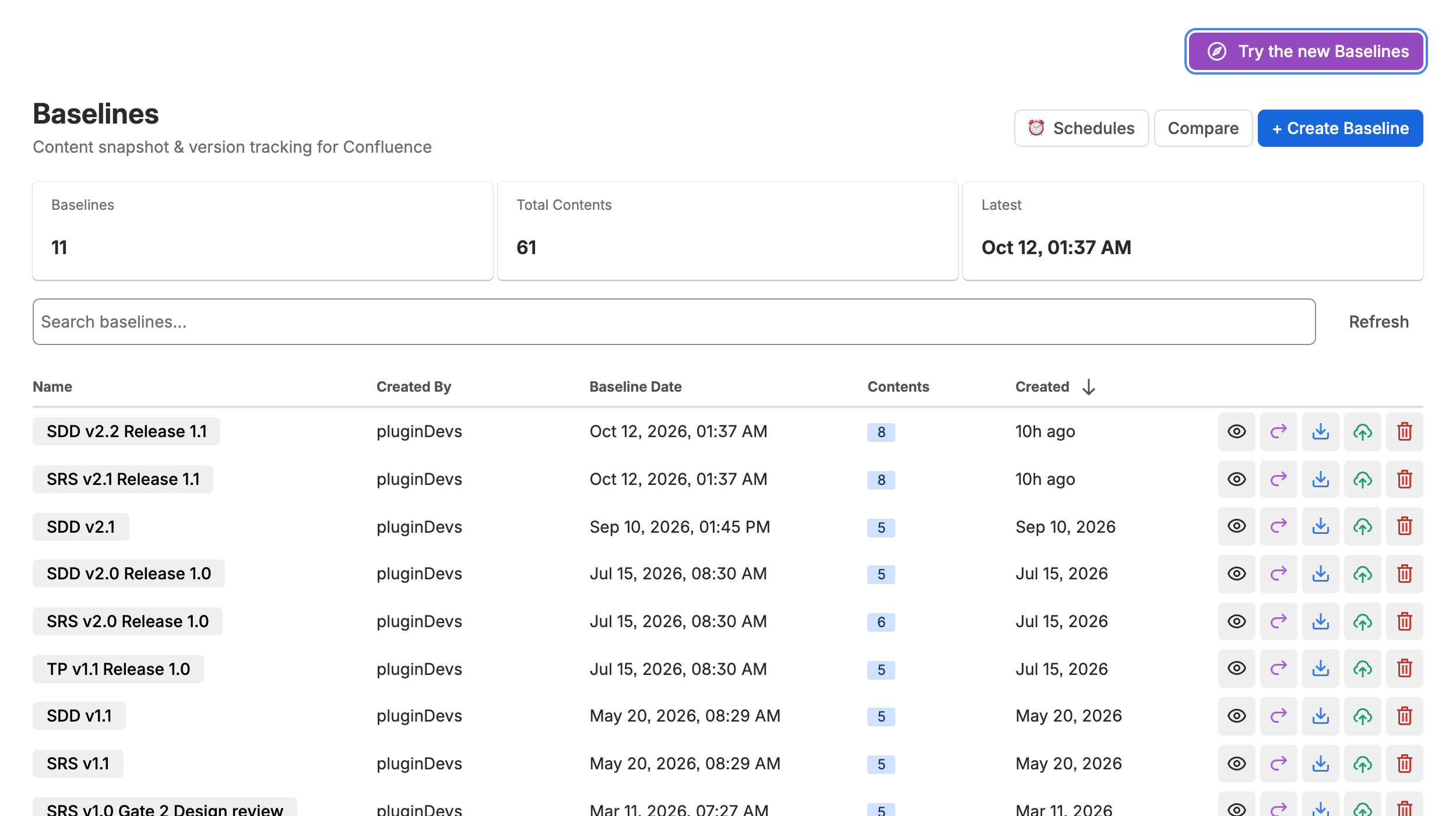
Create Baseline is now Freeze, Retake is Freeze new version on a document, and Import is Republish. To compare two baselines that are not versions of one document, use Compare in the classic view.
The first open
The first time a person opens Baselines on a site that already has baselines, a screen says how they were organised, for example We organised your 36 baselines into 5 documents and 2 releases, explains how they were grouped in How we grouped them, and under Check these groupings lists groupings worth a second look, with Keep together, Keep apart, Split off, Merge and Make it a document. Days on which several documents were frozen in one sitting are offered as releases, with Keep release and Not a release. Looks right, open Documents continues. Grouping is a label: it never changes what a baseline holds.
Documents then shows a three step tour: your baselines are now documents, Freeze is what Create Baseline did, and the classic view is one click away. Each person sees it once.
Tours
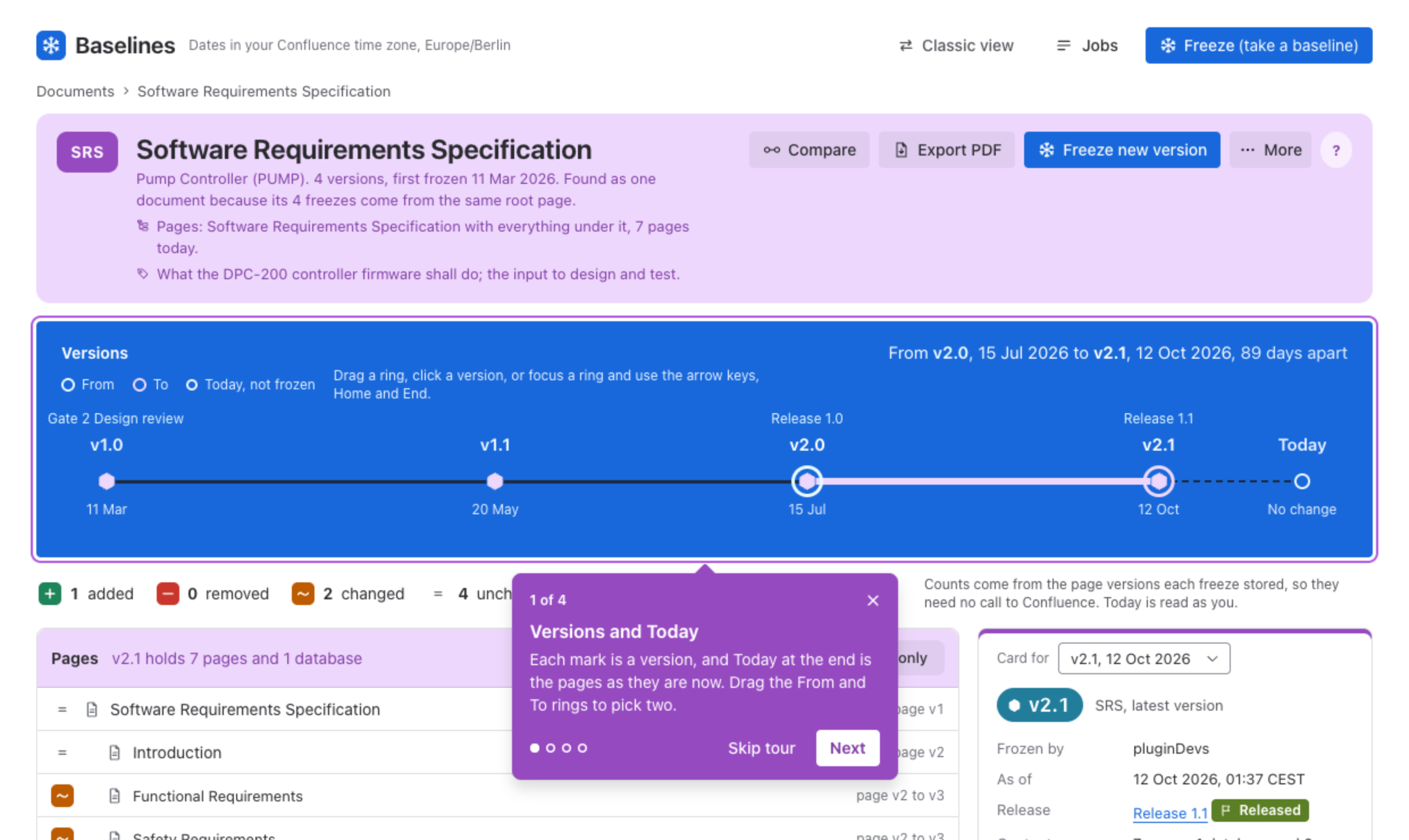
Every place a person opens gets a short tour of its own the first time they open it. The ? in the header, or at the end of the tabs, shows it again whenever you like; on Documents it shows the first open’s tour. A tour rings one control at a time. Next and Back move through it, Skip tour or the close button ends it, and so does Escape. A step whose control is not on screen, for example because you do not have the permission it needs, is left out.
What each tour shows
| Place | Steps |
|---|---|
| All baselines | Every baseline, one row each; each baseline is a version; a PDF of one baseline; other freezes. |
| Releases | A release bundles versions; what it holds; Draft, Released or Obsolete; evidence pack. |
| A release’s page | The versions it holds; compare with an earlier release; evidence pack; More. |
| Schedules | The next 7 days; New schedule; Runs as; change, pause or run it. |
| Deleted | When it goes for good; Put back; Delete for good. |
| Activity | What happened, by kind; who did it; newest first, day by day. |
| A document’s page | Versions and Today; Compare; Export PDF; More. |
| Compare | From and To; added, removed, changed; pages; Morph or Redline. |
| Freeze | Pick documents; Add pages; Add to a release; Freeze. |
Was this page helpful? Yes · No · Contact support